
Pick what to record
Draw a region or choose a whole display. Press F9 to start and stop recording.
Windows · GIF recorder and editor
Record a region of your screen, edit the take and share it as a silent GIF.
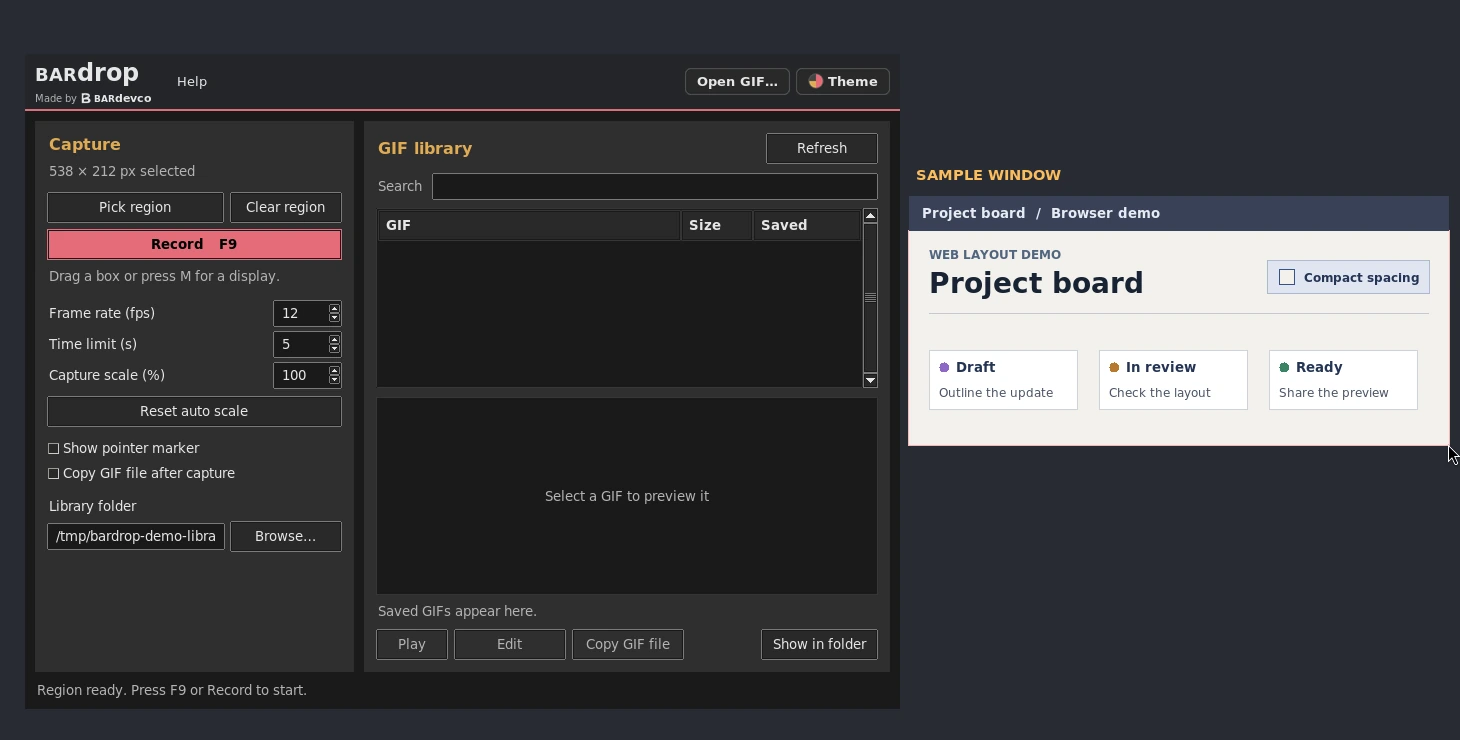
Draw a region or choose a whole display. Press F9 to start and stop recording.
Trim, crop, change speed or scale, and draw boxes, highlights or solid redactions.
Search and preview your recordings in the library, then copy a GIF as an animated attachment.
Choose the Windows setup program or a portable ZIP from the latest release. For portable use, extract the ZIP and open BarDrop.exe in the extracted folder.
Bardrop checks for signed updates automatically and asks before installing. Use Help → Check for updates to check manually.
Your captures and edits stay on your device.